Hardware Wallet From an Old Smartphone
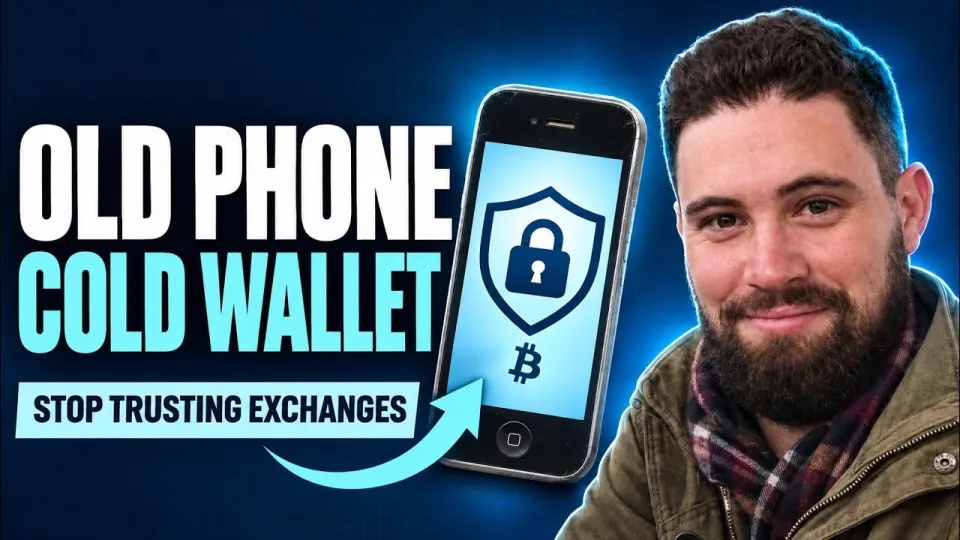
Video: Stop Trusting Exchanges | Turn Your Old Phone Into a Hardware Wallet
Key takeaways
- A factory-reset smartphone with no SIM, no accounts and airplane mode on works as a free air-gapped hardware wallet.
- Self-custody means the private keys or seed phrase never leave your device and never sit on an exchange.
- Purpose-built hardware wallets such as Ledger, Trezor and Tangem add a secure element and a screen for confirming transactions.
- A phone wallet is only as safe as its backup: write the seed phrase on paper or metal and store it offline.
- No wallet protects you if you sign a malicious contract or approve a drainer, so verify every transaction on the device.
A hardware wallet is any device that keeps your private keys offline and separate from the internet, and a factory-reset old smartphone can do that job for free. Wipe the phone, remove the SIM, skip every account login and keep it in airplane mode, then install only a self-custody wallet app and use it to sign transactions. The approach gives you real self-custody without buying dedicated hardware, and you can compare it with commercial options through Coinstax before moving funds.
Why a hardware wallet beats leaving coins on an exchange
When your crypto sits on an exchange, the exchange holds the private keys and you hold an IOU. That is the lesson of every collapse and every frozen withdrawal queue: the balance on screen is a database entry, not an asset you control. A hardware wallet flips that relationship, because the keys are generated on a device you physically possess and the exchange never sees them.
The second reason is attack surface. A phone or laptop used daily for email, browsers and social media is exposed to phishing pages, clipboard hijackers and malicious browser extensions. A dedicated device that never touches the open internet removes most of those paths. "Your keys, your crypto" is not a slogan here; it is the literal difference between owning an asset and holding a claim on a custodian.
How to turn an old phone into a hardware wallet
The setup takes under an hour and costs nothing if you already own the phone. The order matters, because a mistake in step one can leak the seed phrase before you ever fund the wallet.
- Back up anything you still need, then perform a full factory reset and remove the SIM and any memory card.
- During setup, skip Google, Apple or any other account, decline cloud backup and disable location services.
- Connect to Wi-Fi only once, install a reputable self-custody wallet app from the official store, then turn on airplane mode and forget the network.
- Create a new wallet inside the app and write the recovery phrase on paper or, better, stamp it into a metal backup plate. Never photograph it, never type it into a notes app, never store it in the cloud.
- Send a small test amount first, confirm it arrives, then move the rest in batches and check every address on the phone screen before signing.
- Store the phone powered off in a locked place, and keep the seed backup in a separate physical location from the device.
A phone prepared this way is effectively an air-gapped cold wallet: it holds keys, it signs offline, and it never sees the internet after the app installation. The trade-off is that you must treat the device as a single-purpose tool and resist the temptation to reinstall social apps, browsers or anything that connects out.
Where a dedicated hardware wallet still wins
A repurposed phone has no secure element, so the key material lives in ordinary device storage and depends on the phone's own encryption. Purpose-built devices close that gap. Ledger models pair a certified secure element chip with a screen and buttons, Trezor devices emphasize open-source firmware and transparent design, and Tangem ships as a card-shaped signer with no battery or screen that relies on NFC and the companion app.
Those products also solve the confirmation problem. On a phone wallet, the screen that shows the transaction is the same screen running the app, so malware could in theory alter what you see. A hardware wallet displays the destination address and amount on its own trusted screen, and you approve with a physical button press. If you plan to hold a large portfolio or sign transactions regularly, that separation of display and signing is worth the purchase price.
The mistakes that defeat any hardware wallet
Most losses in self-custody come from human error, not from broken cryptography. The recovery phrase is the single point of failure: anyone who reads it owns the funds, so it should never exist in digital form. A seed phrase typed into a chat window, a screenshot in a camera roll or a cloud note is already compromised, no matter how good the device is.
The second mistake is blind signing. Malicious contracts and wallet drainers ask you to approve transactions you do not understand, and a hardware wallet cannot save you if you confirm whatever appears on screen. Verify the address character by character, prefer test transfers, and revoke token approvals you no longer need. The third mistake is buying a device second-hand or from a marketplace seller: always order from the manufacturer, and never accept a pre-written recovery phrase that comes with the box.
Choosing between a phone, a card and a full hardware wallet
Match the tool to the size and activity level of your holdings. A wiped phone suits long-term holders with modest balances who want zero cost and full control, and it is a genuine upgrade over an exchange account. A card-style signer such as Tangem fits people who want portability and a simple tap-to-sign flow. A screen-equipped device from Ledger or Trezor is the right choice for larger stacks, frequent transactions and anyone who wants the address verification guarantee.
Whichever route you take, the backup discipline is identical: seed phrase offline, in two separate physical locations, never digital. The device is replaceable; the seed is not.
Useful links
- Coinstax — the platform linked in the video.
Conclusion
A hardware wallet is defined by offline key storage, not by a price tag, and a factory-reset old phone delivers exactly that when it is kept air-gapped and paired with an offline seed backup. Dedicated devices from Ledger, Trezor and Tangem add a secure element and a trusted screen, which matters more as balances grow. The video breakdown by David Haslop walks through the phone setup step by step and is a practical starting point for anyone leaving exchange custody. Start with a test transaction, keep the recovery phrase off every connected device, and review the options at Coinstax before you commit funds.
Questions & answers
Is an old phone really as safe as a hardware wallet?
It is close for basic self-custody, because the keys stay on a device that never connects to the internet. The gap is hardware: a dedicated wallet has a secure element and a trusted screen, while a phone relies on its own storage encryption and the app's display.
What should I do with the recovery phrase?
Write it on paper or stamp it into a metal plate and store it offline in a location separate from the device. Never photograph it, type it into a notes app or keep it in cloud storage, since anyone who reads it controls the funds.
Can I still use the phone for other things?
No. The security comes from the device being single-purpose, so installing browsers, social apps or email reintroduces the attack surface you removed. Keep it powered off when not signing and never reconnect it to Wi-Fi.
Do I need to buy a Ledger or Trezor if I use an old phone?
Not for small balances, but a dedicated device is worth it for larger holdings or frequent transactions. Models with a screen let you verify the destination address and amount on trusted hardware before approving with a physical button.
Source: Stop Trusting Exchanges | Turn Your Old Phone Into a Hardware Wallet · Markdown version